Many researchers need to collect contact details in an anonymous survey. You might want to run a prize draw, invite people to future studies or recruit a panel. The problem is that an email address next to a sensitive answer is no longer anonymous.
In short: ask for contact details in a separate survey, reached through a link that is the same for everyone. That way, nothing connects a person’s details to their answers.
Why Contact Details and Anonymity Clash
Some surveys ask about voting, religion, health or living conditions. Respondents answer more honestly when they trust that their answers can’t be traced back to them.
If you add an email field at the end of the same survey, that trust is gone. Even if you never look, the data sits in the same row.
How to Collect Contact Details in an Anonymous Survey
The solution is to split the work into two surveys:
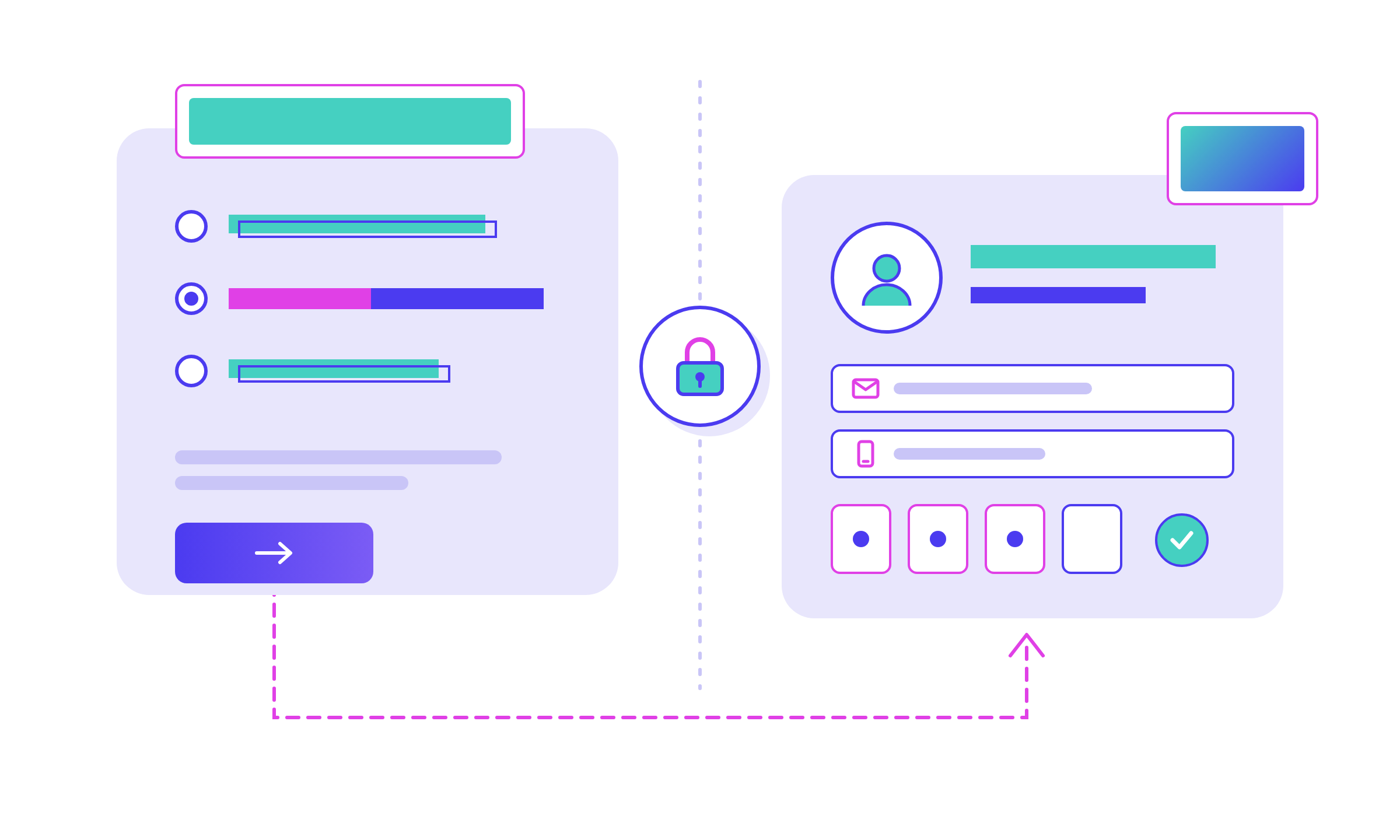
● The main survey asks your questions as usual. At the end, it asks whether the respondent wants to share their contact details.
● A link is shown to those who answer yes. The link is identical for everyone and carries no respondent ID.
● A registration survey in a separate project collects the name, email and mobile number.
We recommend a link rather than an automatic redirect. A redirect sends people on the moment they finish, which makes it easier to match two responses by timing.
Stop Duplicate Sign-Ups With Verification
A shared link raises an obvious question: what stops someone from registering ten times for the prize draw?
In Survey Automator, the registration survey can be a secure survey where respondents register themselves. They enter their details and confirm with a code sent by SMS, or with BankID. Each person gets their own login, so the same person can’t sign up again and again.
Respondents can also come back later and update their contact details themselves.
When to Use This Setup
This approach works well for:
● Prize draws and other incentives
● Invitations to future surveys
● Recruiting respondents to a research panel
● Any survey with questions people would not want linked to their name
If you need personal data inside the same project, Protected Fields is another option. It hides selected fields so only Protection Managers can see or export them.
FAQ
Can I run a prize draw in an anonymous survey?
Yes. Collect entries in a separate registration survey, reached through a shared link without any respondent ID, so entries can’t be linked to answers.
Why not just add an email question at the end of the survey?
The email would be stored with the answers, so the response is no longer anonymous. A separate survey keeps the two sets of data apart.
Why use a link instead of a redirect?
A redirect happens the instant the respondent finishes, which makes it easier to match the two responses by timing. A link the respondent clicks themselves avoids that.
How do I stop people from registering more than once?
Let respondents verify with an SMS code or BankID. Each person then gets one login, which blocks repeat registrations.
Is this approach GDPR-friendly?
Keeping contact details apart from sensitive answers follows the privacy-by-design principle in GDPR. You still need a legal basis and clear consent for the contact data you collect.
Want help setting up a separate registration survey for your next project? Book a demo and we’ll walk you through the setup.