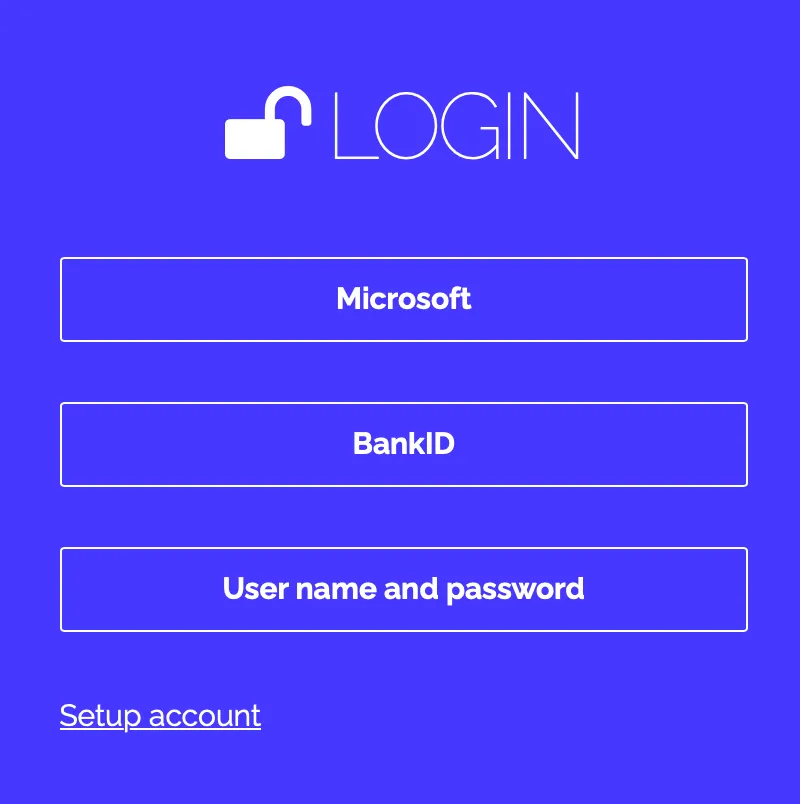
You will receive an email from the @researchautomators.com domain with instructions on how to log in.
Follow these steps:
- Click on “ Create account” ****in the email or go to the link: https://app.researchautomators.com/CoAction/Logon.aspx?action=setpsw
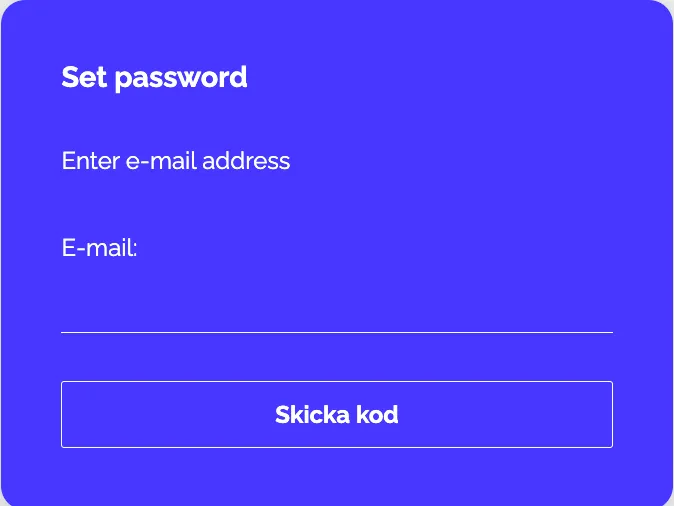
- Enter the email address you used to register with us:
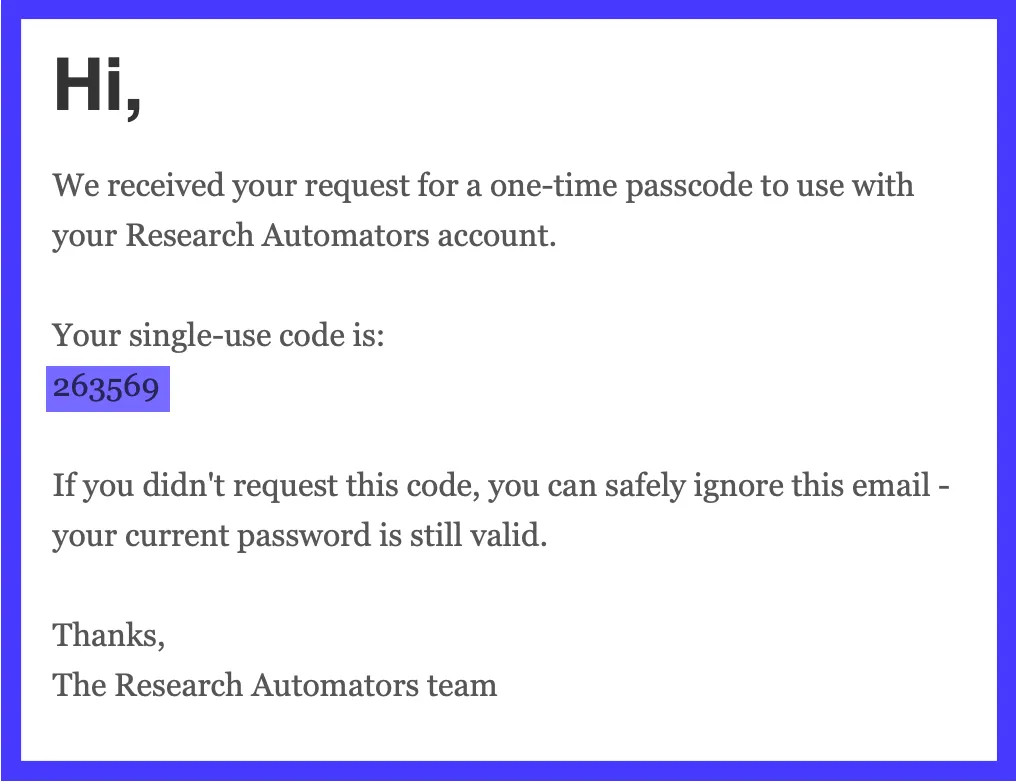
- You will then receive a new email with a verification code. Copy and paste it to continue. Check your spam folder if the email hasn’t arrived within a few minutes
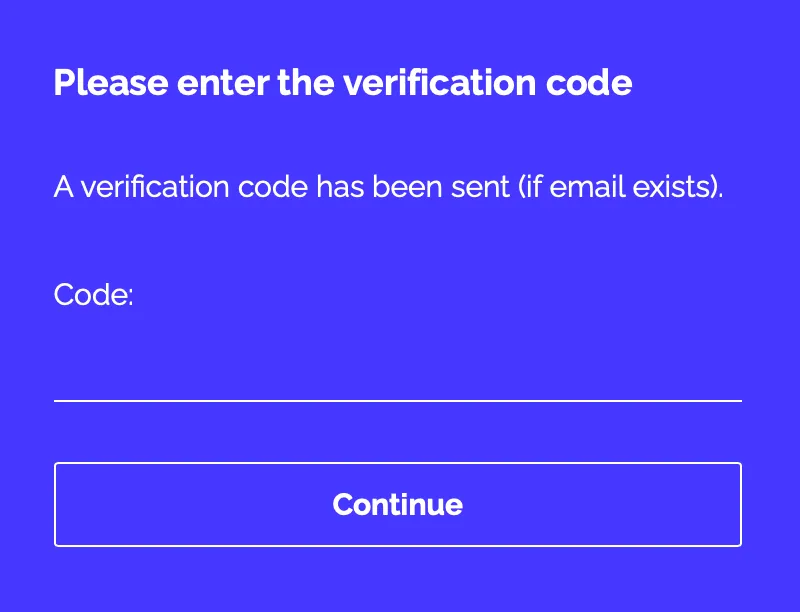
- Enter the verification code.
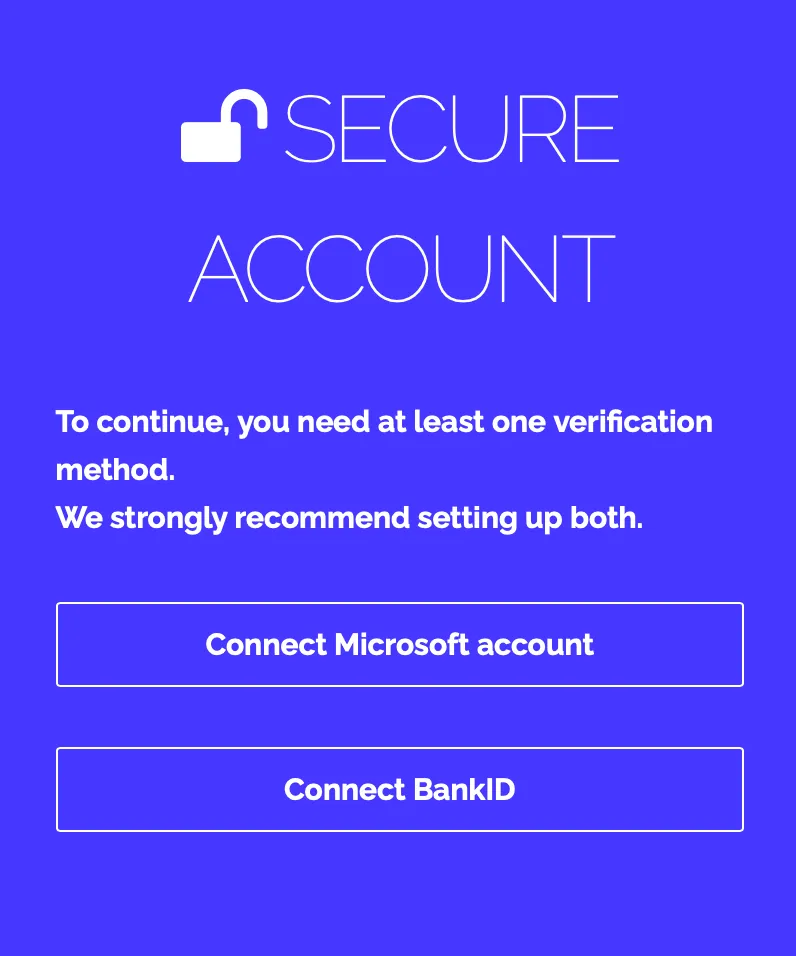
- Set up a verification method. You can link your Microsoft account, BankID, or both. If you choose Microsoft, you can log in immediately; if you choose BankID, simply scan the QR code.
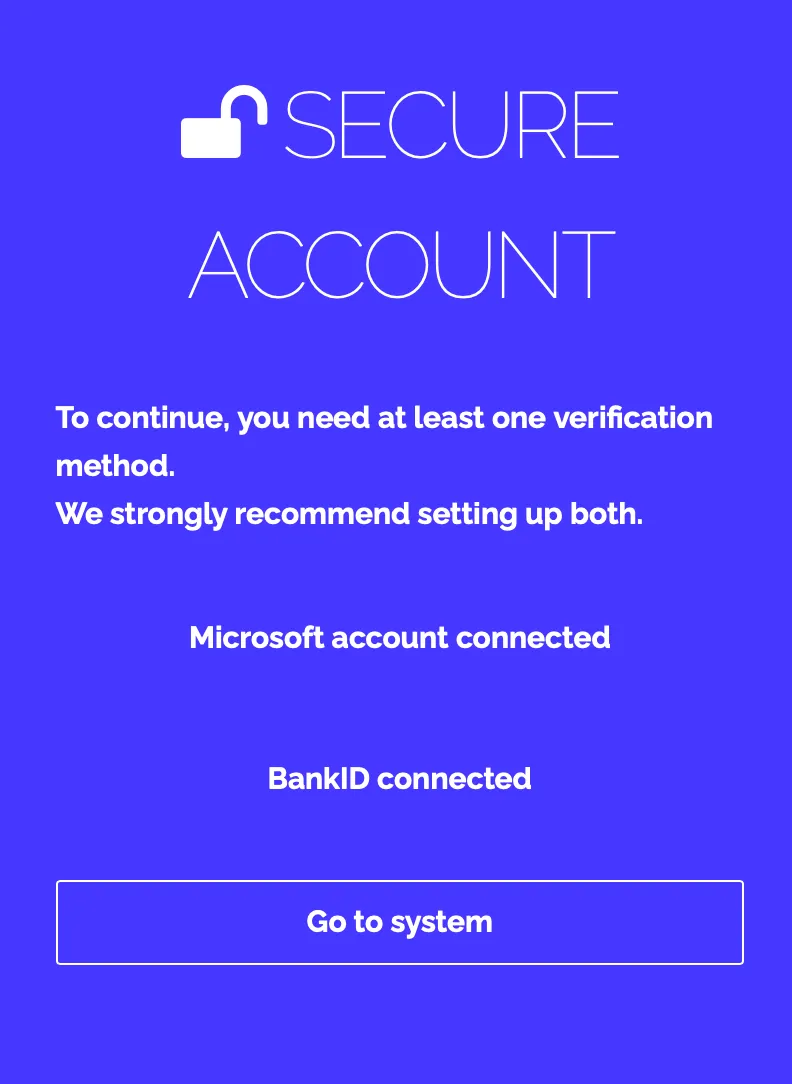
- After linking one or both, click Go to system.
- Now choose how you want to log in, and you’ll be taken directly to the platform.