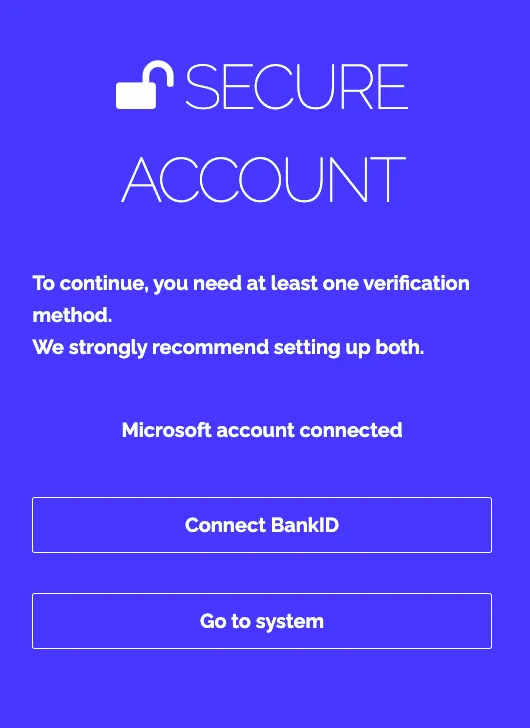
If you can’t use BankID or your cell phone, you can log in by setting up your account with a verification code sent via email.
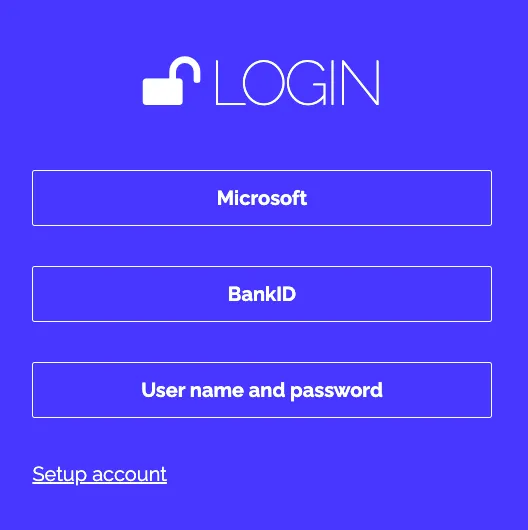
Step 1:
Click: Set up account
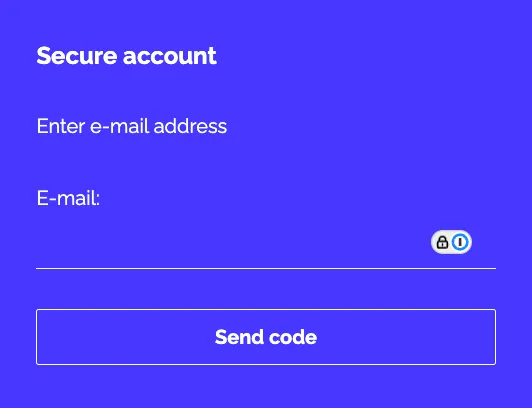
Step 2:
Enter your name and click “Send code”
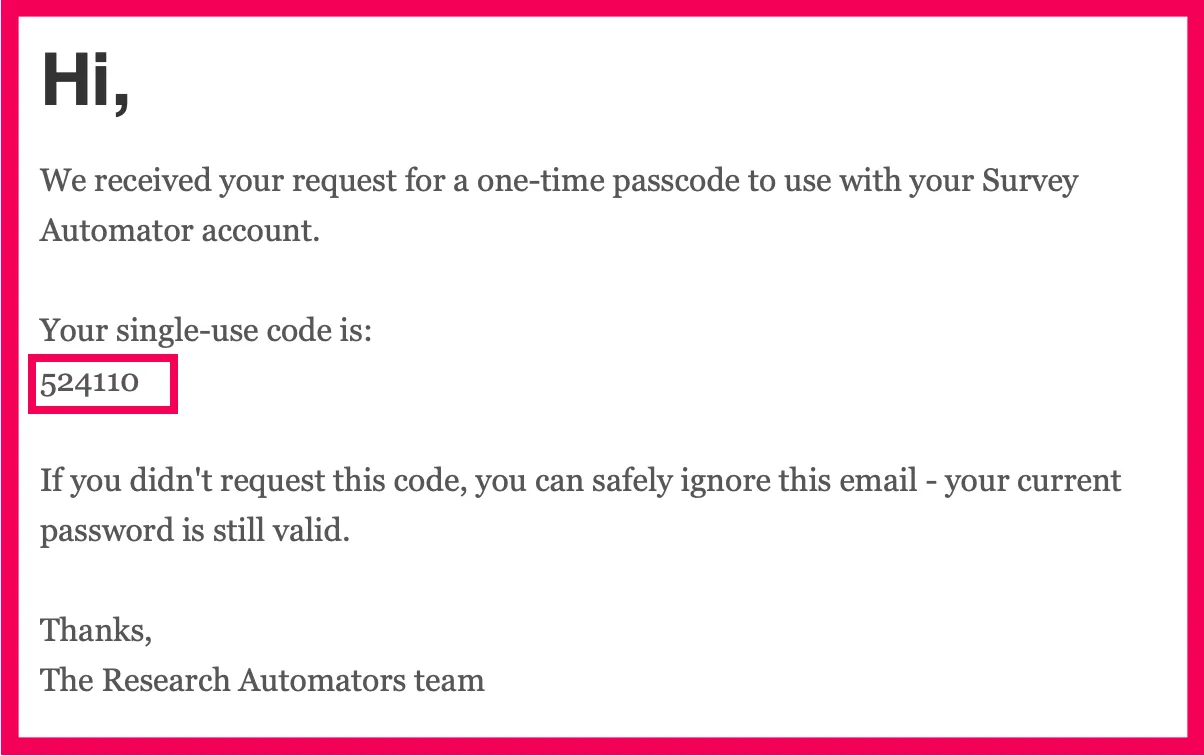
Step 3:
Copy the code from the email and paste it
Step 4:
Select a new verification method or choose “ Go to system”