Step 1.
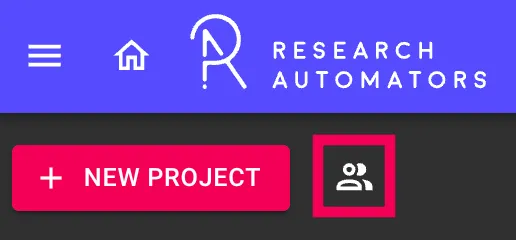
From the home view, click the Show users button located next to + New Project.
Step 2.
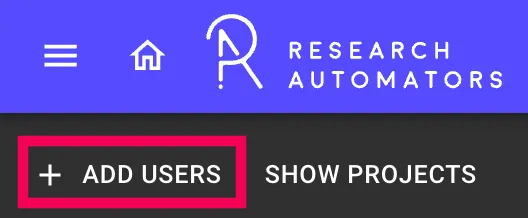
Click + Add User → Add User. The Add window will open.
Step 3.
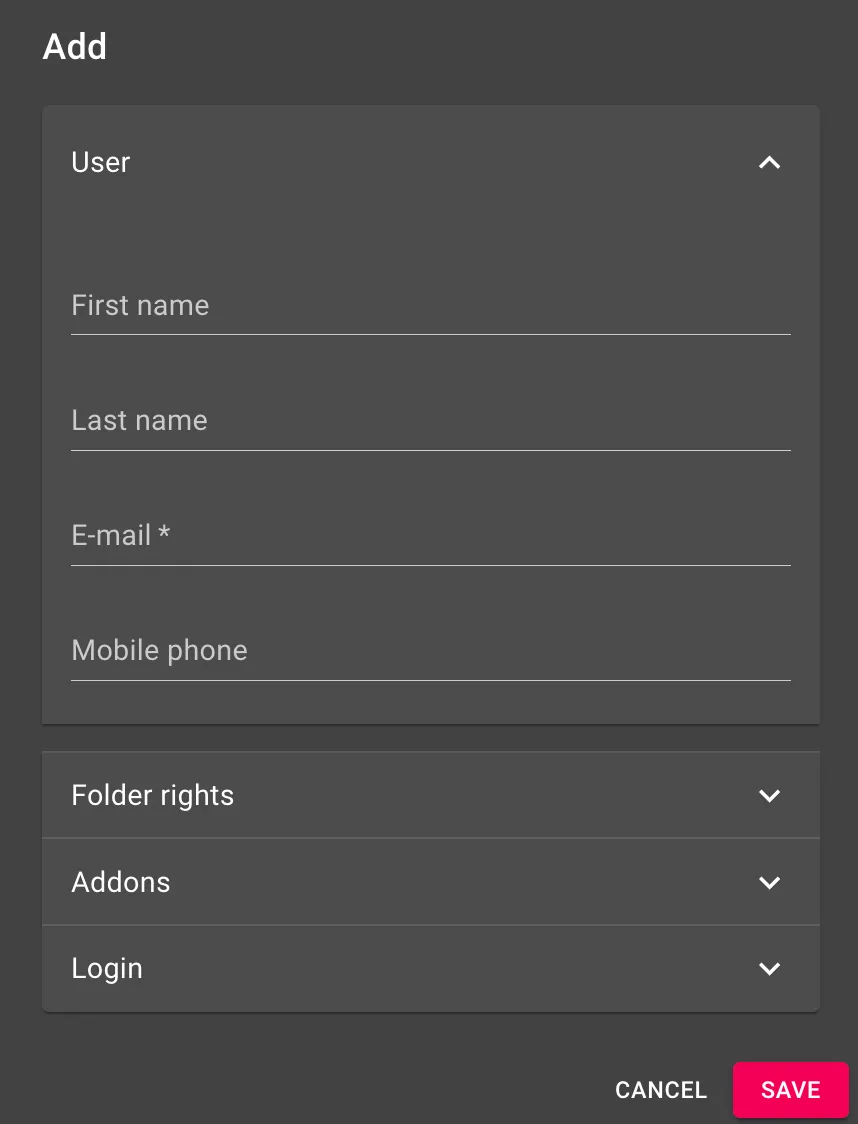
Fill in the user’s details under the User section:
- First name
- Last name
- E-mail (required)
- Mobile phone
Step 4.
Click Save.
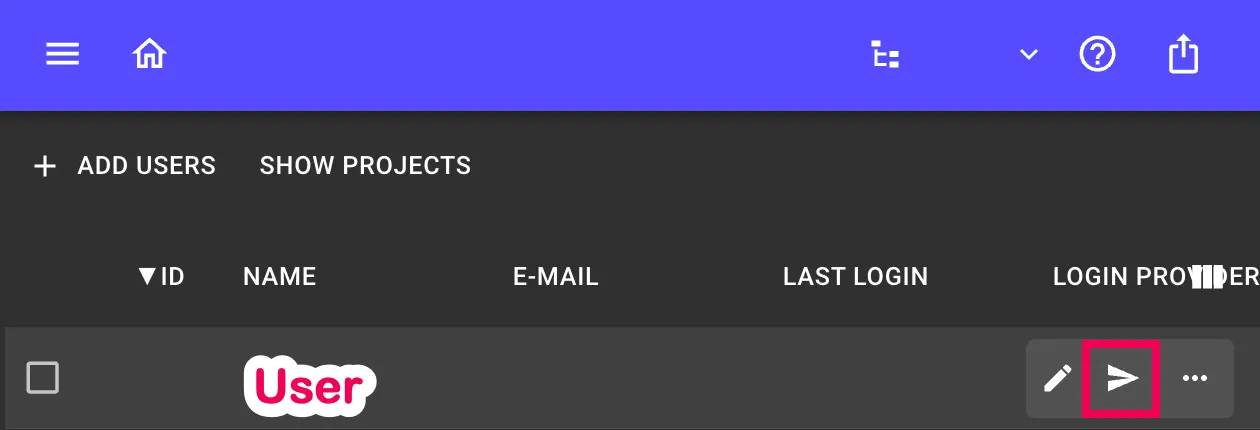
Step 5.
Send the invitation to the User by clicking the Send-icon. The invitation will arrive to the user’s email inbox.